A look inside HelfCode
Your health.
A clearer picture.
See how your information comes together—from a health overview to your vitals, evaluation and everyday questions.
Actual app screenshotsNo account needed to explore
01 / Your overview
See the bigger
picture.
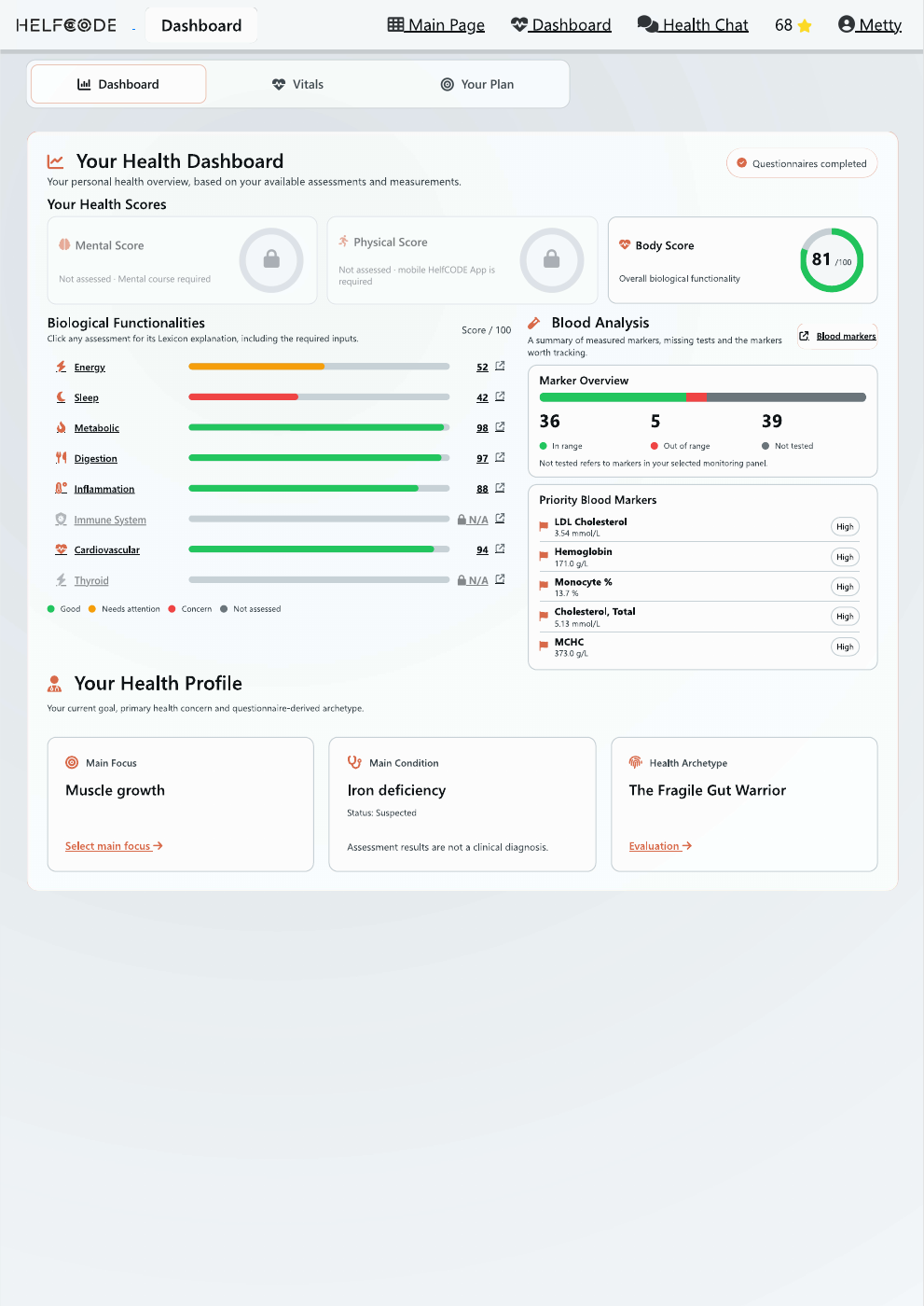
Your dashboard brings your available assessments, blood markers and personal focus into one view.
- Explore different areas of your health.
- See measured markers and missing data.
- Keep your main objective in sight.
Availability depends on the information you provide. Unassessed areas are shown separately.
HelfCode / DashboardPreview
Scroll to explore this screen.
02 / Your evaluation
Give your data
more context.
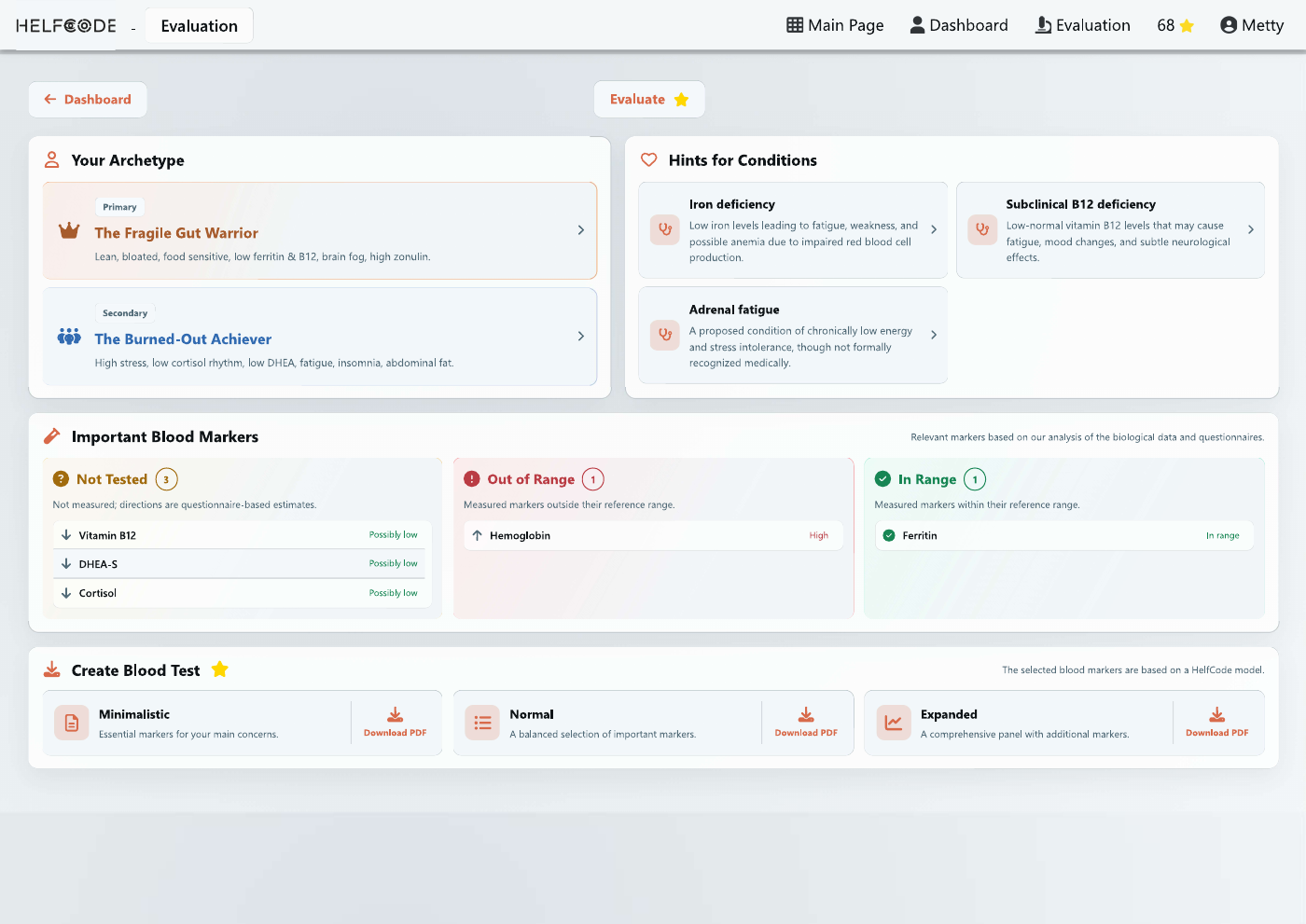
Review your evaluation alongside blood marker information, with measured results distinguished from questionnaire-based estimates.
- Explore your generated health profile.
- Review in-range, out-of-range and untested markers.
- Explore blood-test list options for discussion.
Generated profiles and condition hints are exploratory, not clinical diagnoses. Discuss testing and medical questions with a qualified professional.
HelfCode / EvaluationPreview
Explore the details at full size.
03 / Your measurements
Keep your vitals
in view.
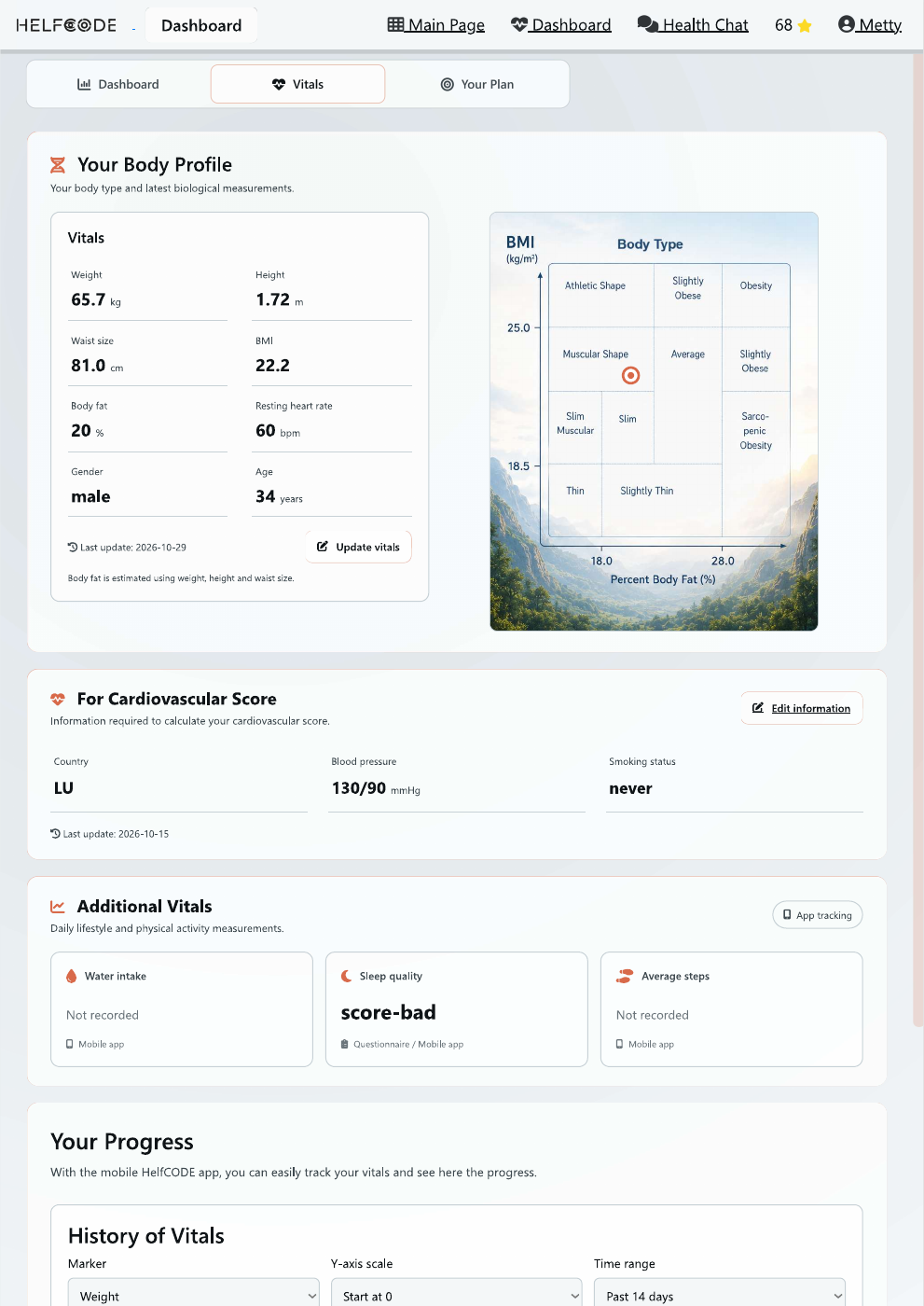
Bring body measurements and other health information together in a profile you can revisit and update.
- Review weight, waist size and resting heart rate.
- Keep blood pressure and relevant background information together.
- See which lifestyle measurements are recorded.
The screenshot also shows the start of the history section. Some measurements depend on additional input or app tracking.
HelfCode / VitalsPreview
Scroll to explore this screen.
04 / Your questions
Turn questions
into a conversation.
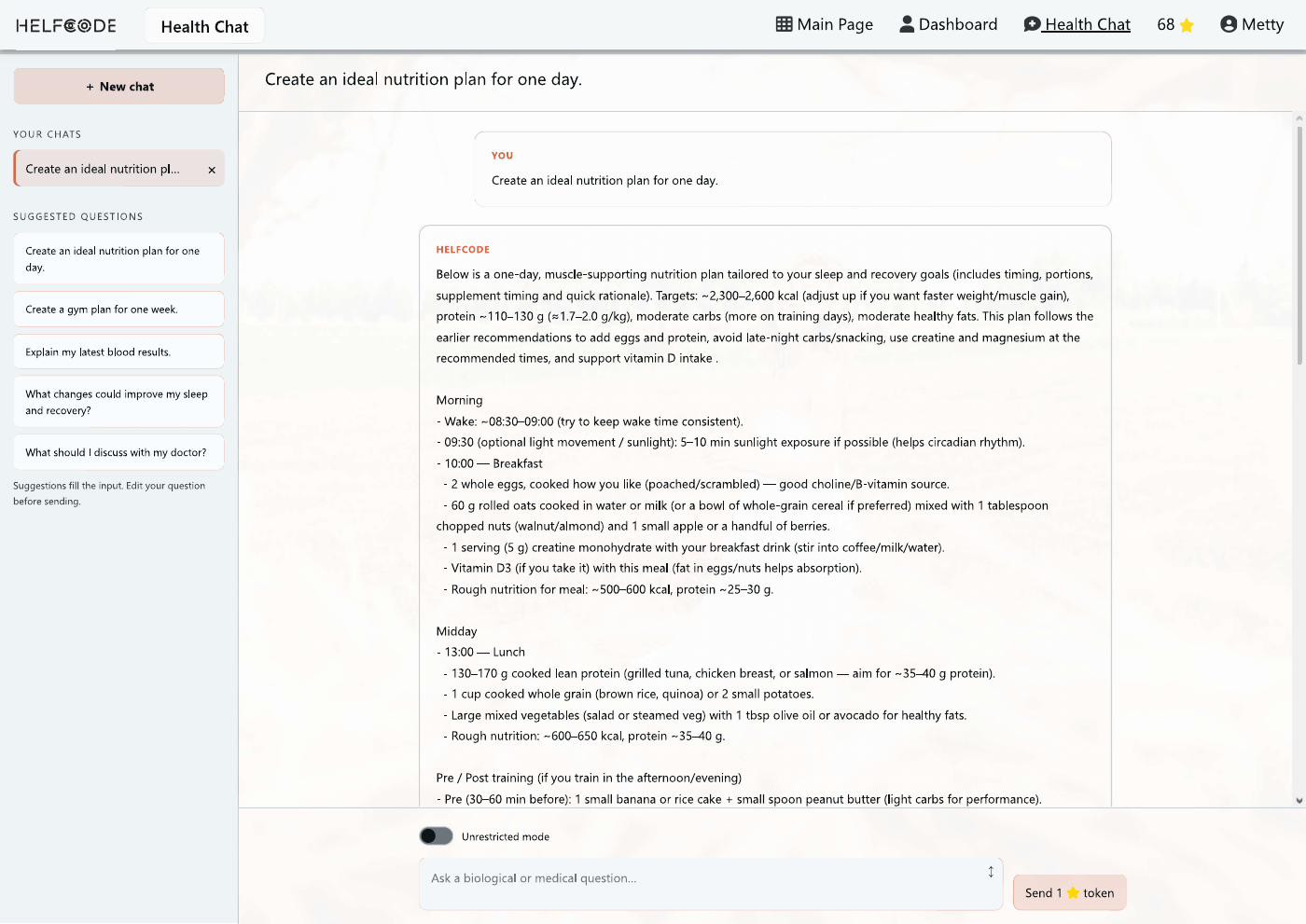
Explore everyday health topics with Health Chat. Start from a suggested question or bring one of your own.
- Explore nutrition and exercise ideas.
- Ask questions about sleep or your results.
- Keep separate conversations organised.
The screenshot shows an AI-generated conversation, not advice for visitors. Responses can contain errors and may use account tokens.
HelfCode / Health ChatPreview
Explore the details at full size.
Screenshots show an example account in the light theme. Your results and available features depend on your data.
From insight to action
One connected
health journey.
A place to organise your information, explore your questions and decide what to work on next.
01 / BRING IT TOGETHERStart with your story.
Add your profile, lifestyle and goals. Include blood results when you have them.
02 / MAKE SENSE OF ITExplore the context.
Review what you have recorded, what is missing and which questions deserve a closer look.
03 / MOVE FORWARDChoose your next step.
Explore your personal plan, build daily habits and return to your dashboard as your information evolves.
Your turn
Ready to see
your own picture?
Start your HelfCode journey and bring your health information into focus.